
Role-based access control is no longer optional for software license management—it’s essential. Without precise control over who can do what, risks multiply and operations slow down. In this post, you’ll see how Quick License Manager (QLM) delivers granular permissions, audit trails, and multi-channel management to secure your licenses and streamline workflows. Schedule a personalized QLM demo to explore these features in action and simplify your license operations. Learn more about role-based access control implementation.
Importance of Role-Based Access Control
When managing software licenses, knowing exactly who has access to what is crucial. Let’s explore why role-based access control (RBAC) is a game changer.
Critical for Software Licensing
Imagine running a business without knowing who enters your building. The same goes for software licensing. You need clear boundaries. Role-based access control helps you assign specific roles to users, ensuring that only authorized personnel can manage your licenses. This reduces errors and unauthorized access. With RBAC, you set definite user roles, which helps you securely manage your licenses, preventing potential misuse or mistakes. This level of control means you can trust that your licenses are in safe hands.
Enhancing License Server Security
License servers hold keys to your software kingdom. Protecting them is non-negotiable. With RBAC, you bolster your server’s defenses by allowing access only to those who need it. When access is limited to essential personnel, you minimize the chance of breaches. The key insight here: Less access equals less risk. By implementing RBAC, you ensure that each user has just the necessary permissions, reducing the attack surface on your server.
Ensuring Least Privilege Access
Every user doesn’t need full access. By ensuring least privilege access, each user gets only what’s necessary for their role. This principle not only enhances security but also increases operational efficiency. By preventing unnecessary access, you keep your operations running smoothly and securely. Most people think all access is better, but limiting access actually protects your data more effectively. With clear access roles, you have a much tighter control over who can do what.
QLM’s Advanced RBAC Features
Quick License Manager (QLM) takes RBAC to the next level. Let’s dive into the advanced features that make it stand out.
Granular Permissions and Role Templates
QLM offers detailed permission settings. You can create custom roles that perfectly fit your organizational needs. By using role templates, you streamline assigning permissions. Users only get what they need, helping you maintain strict control. This granularity is key to ensuring that your license management is both flexible and secure. Here’s the key insight: Templates save time and reduce errors. By setting up roles once, you avoid the repetitive task of configuring permissions individually.
Comprehensive Audit Trail and Logging
Tracking actions is crucial in license management. QLM provides a full audit trail, recording every change made. This gives you a clear picture of activities, helping you spot any unusual behavior quickly. It’s like having a CCTV for your software licenses. With detailed logs, you can verify that all actions are compliant with your policies. Most people forget that logging is as important as permission setting, but you now have both in one platform.
Multi-Channel License Management
Managing licenses across different platforms can be a headache. QLM simplifies this with its multi-channel management system. Whether you’re working on desktop, mobile, or web, you have a centralized hub for all your licenses. This ease of management means you spend less time juggling platforms and more time focusing on your core business. This feature breaks the norm by unifying your license management process, making it more efficient and less error-prone. The longer you wait to streamline, the more complex your operations become.
Integrating QLM into Your Workflow
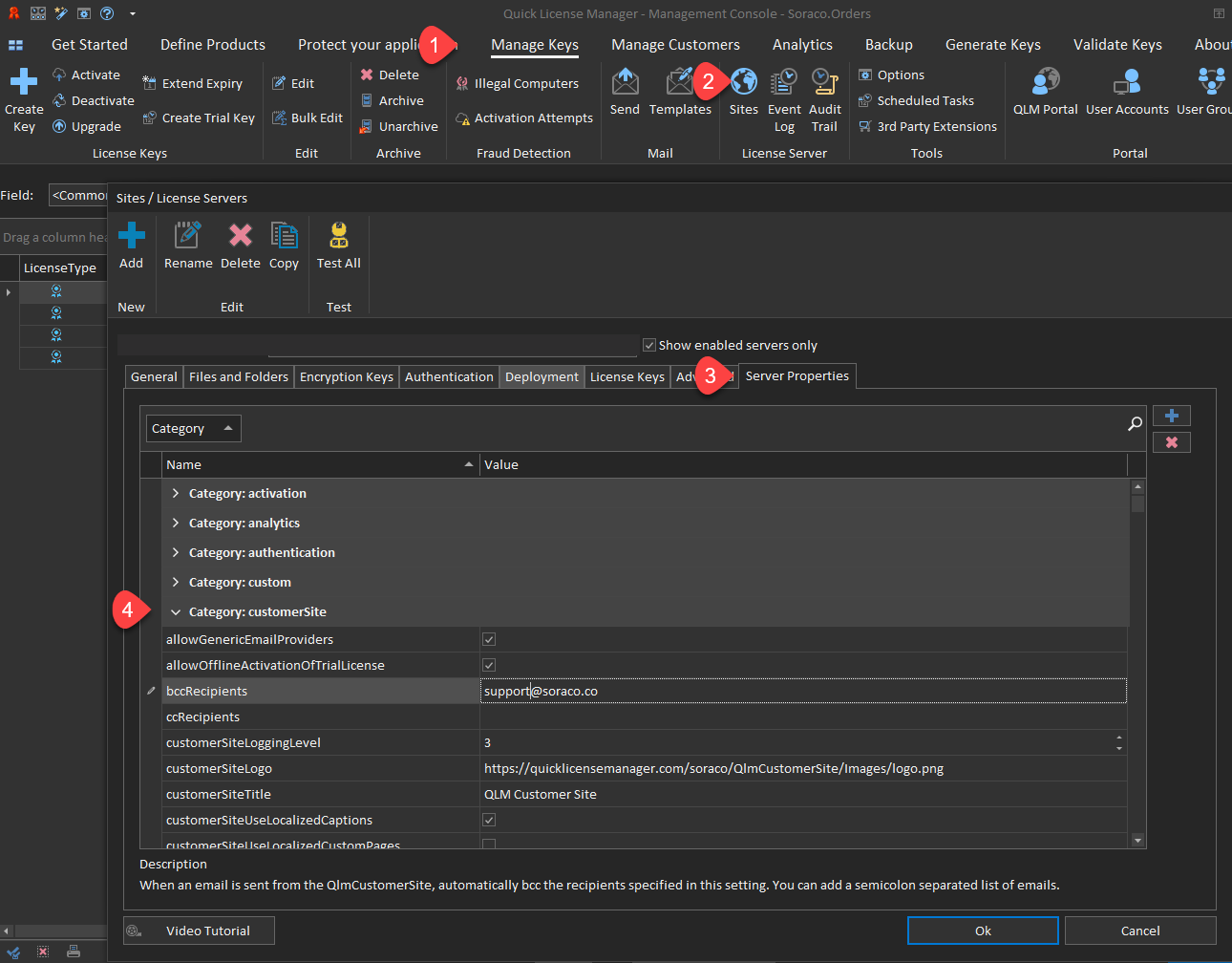
Integrating Quick License Manager into your existing systems is seamless. Discover how QLM can fit into your business operations.
API Integration and E-commerce
QLM’s API allows for smooth integration with your e-commerce platforms. This means automated license distribution whenever a sale is made, ensuring immediate access to your software for customers. The API is robust, handling various operations to fit your unique needs. For businesses, this means reduced manual tasks and increased accuracy. By integrating QLM, you not only automate processes but also improve customer satisfaction with instant delivery.
Supporting Floating and Node-Locked Licenses
Whether you need floating licenses for flexibility or node-locked licenses for security, QLM supports both. This versatility means you can cater to different customer needs without switching systems. It also helps in managing licenses efficiently, regardless of how you deploy your software. Customers now demand flexibility in licensing, and QLM ensures you meet these expectations. Most systems restrict you to one type of licensing, but with QLM, you have the flexibility to choose.
Trial and Subscription License Activation
Activating licenses for trials and subscriptions can be tricky. QLM simplifies this with automated processes. You can set up trials that convert to subscriptions seamlessly, encouraging more users to commit to your software. This automation reduces the hassle of manual activation, ensuring users have a smooth experience from trial to full subscription. Here’s the key insight: The easier the activation, the higher the conversion rates. With streamlined activation, you encourage more users to try and buy your software.
In conclusion, integrating QLM into your workflow ensures a robust, flexible, and secure license management system. By embracing these features, you not only protect your software but also enhance your business operations. The benefits are clear: increased security, better user management, and streamlined operations. Let’s take the next step together and fortify your license management with Quick License Manager.