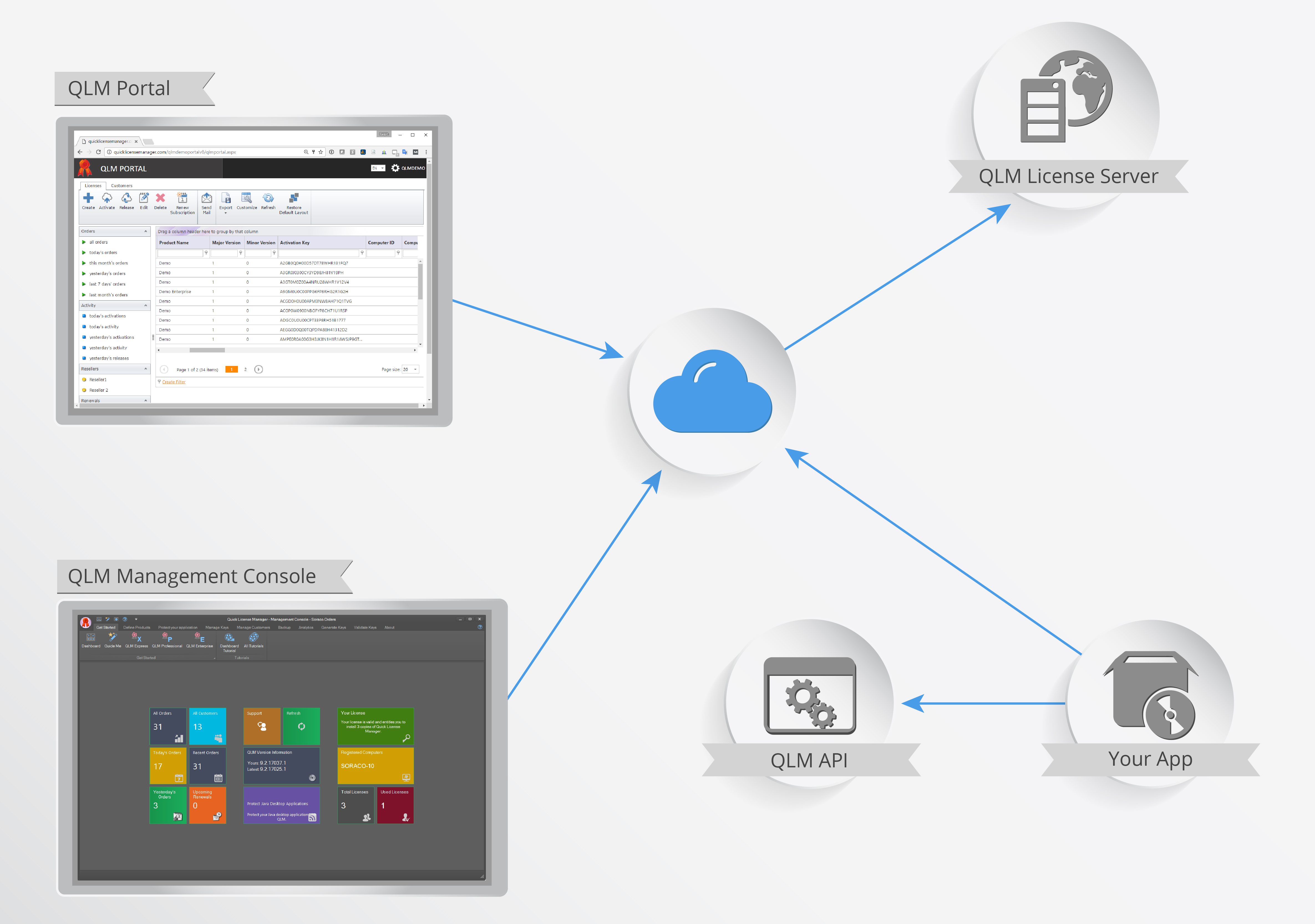
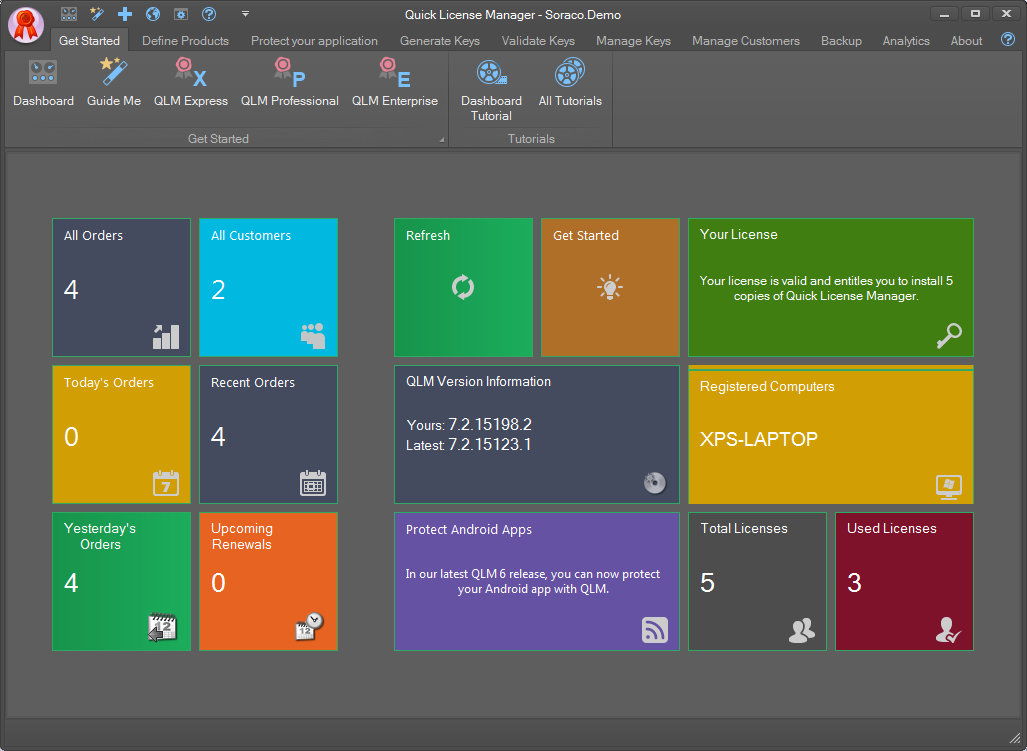
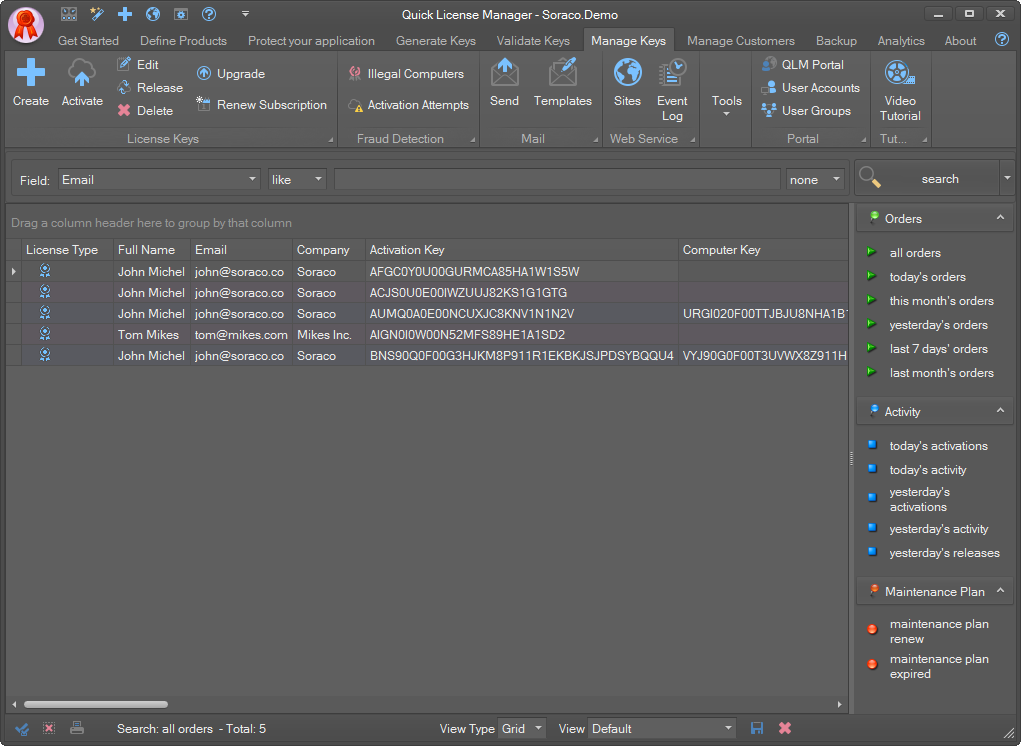
The QLM Management Console is a Windows Desktop application that allows you to manage your products, license keys, customers and much more. The QLM Management Console connects with the QLM License Server to retrieve license and customer related data.
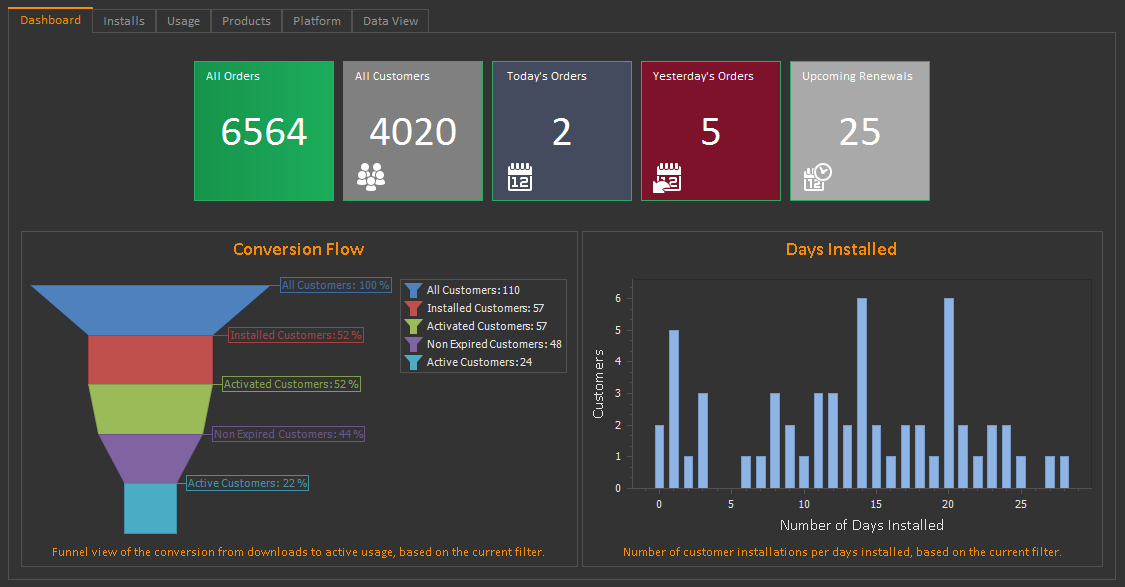
QLM Dashboard
QLM Manage Keys
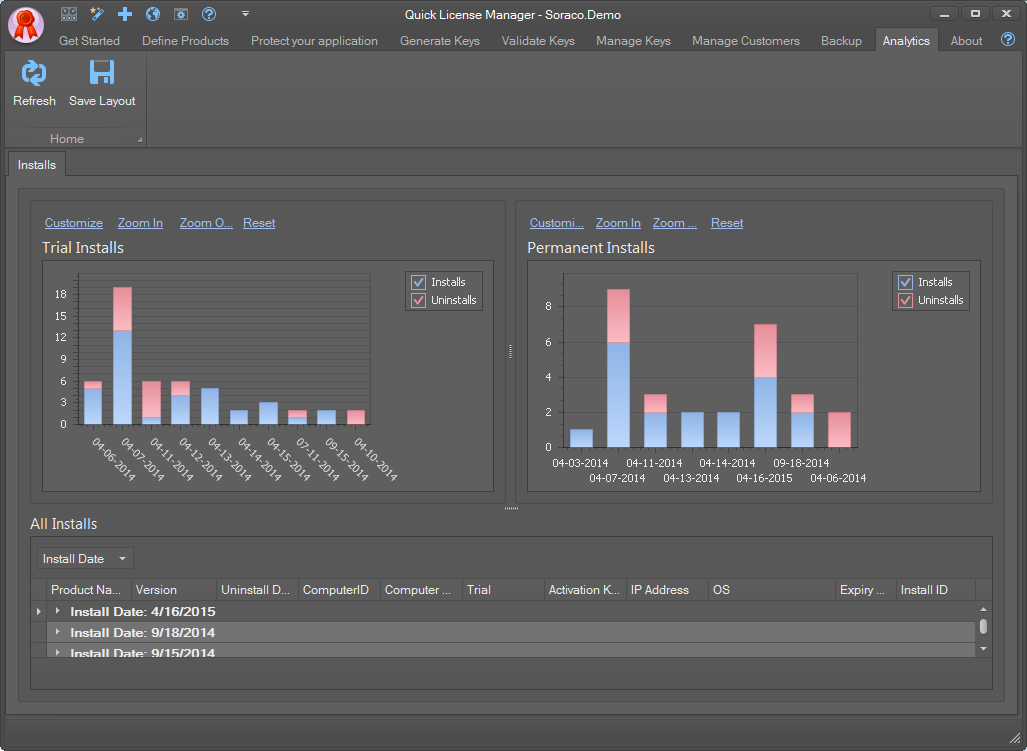
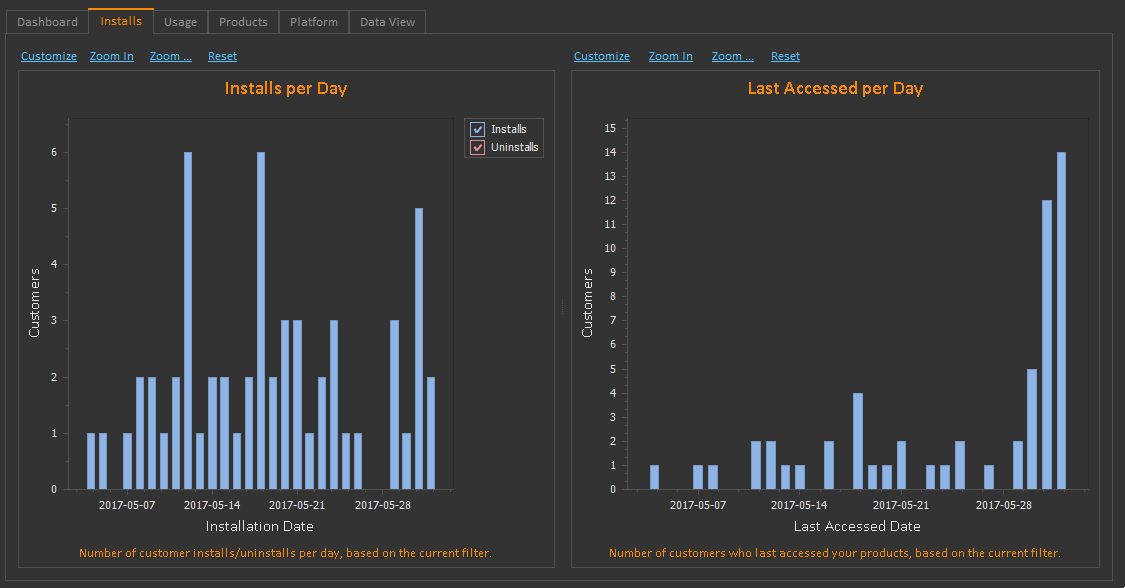
QLM Analytics
.NET Control
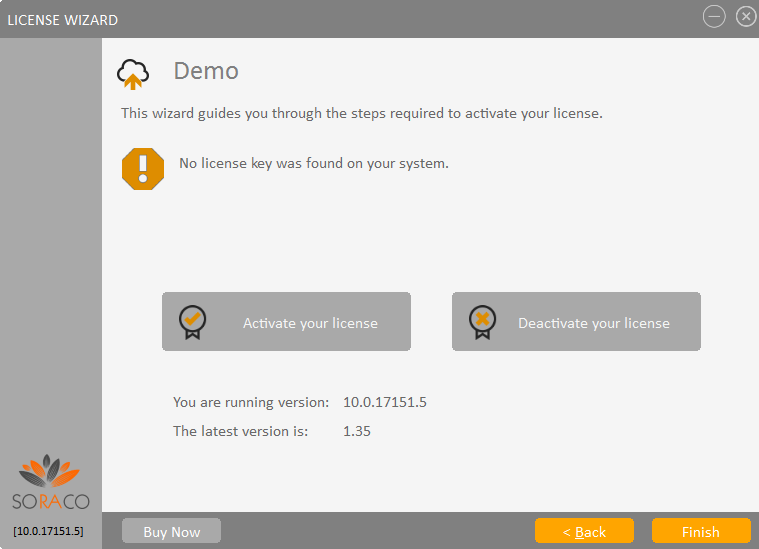
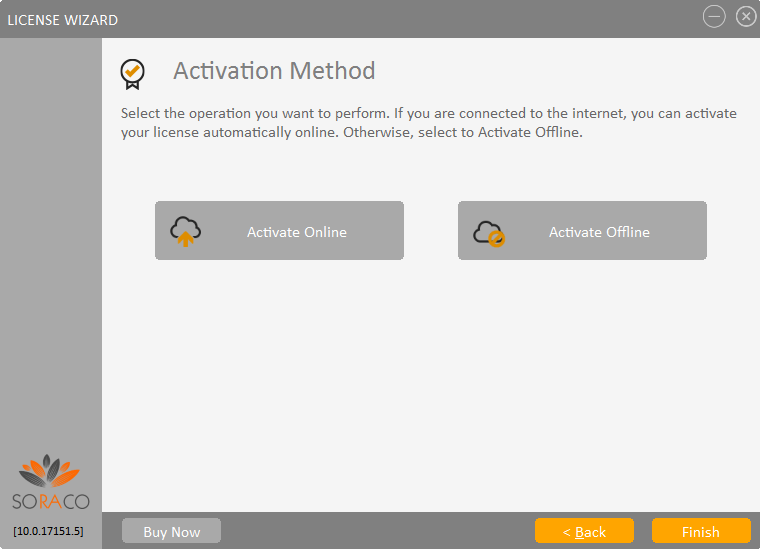
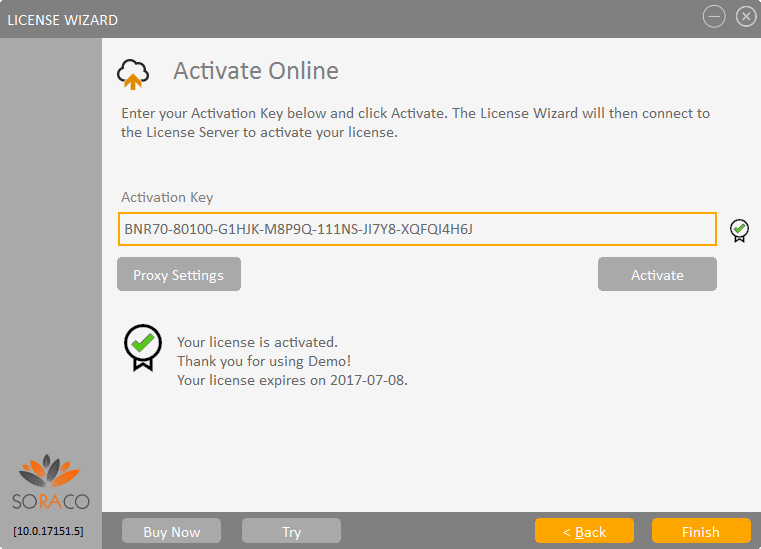
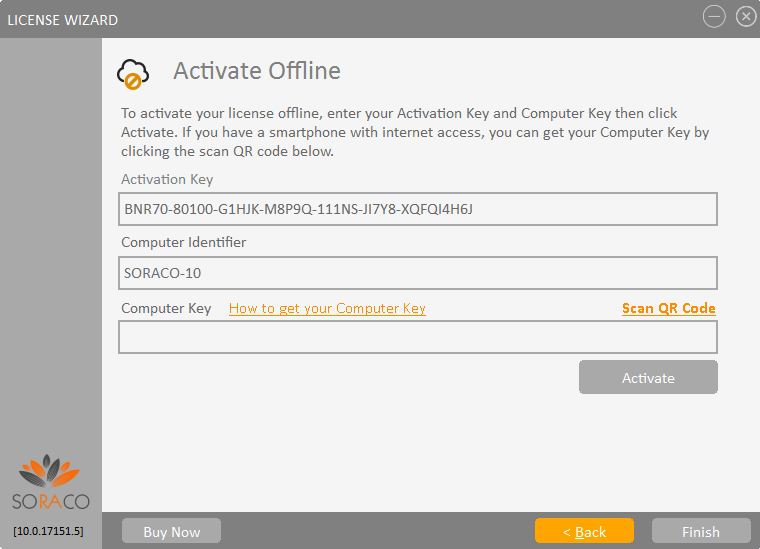
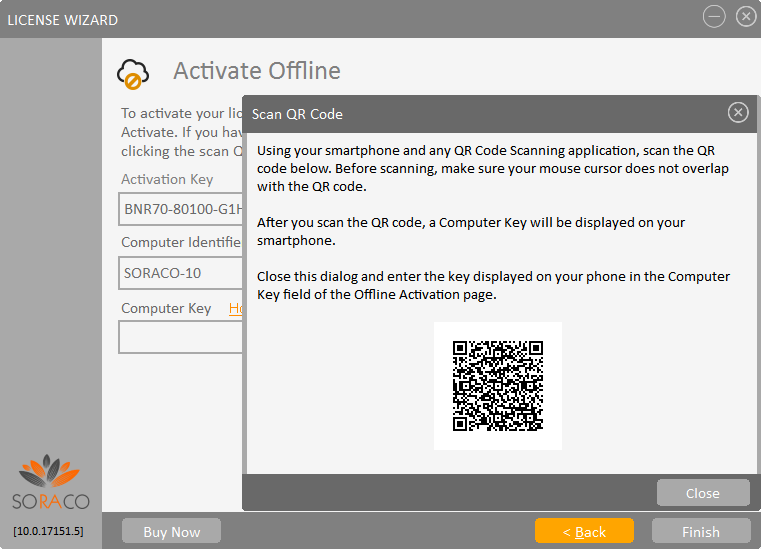
QLM License Wizard
The QLM License Wizard is a .NET Control or a standalone executable that manages the process of activating a license key online or offline. The QLM License Wizard is launched from your application at startup or whenever the user needs to activate their license.
Enterprise Feature
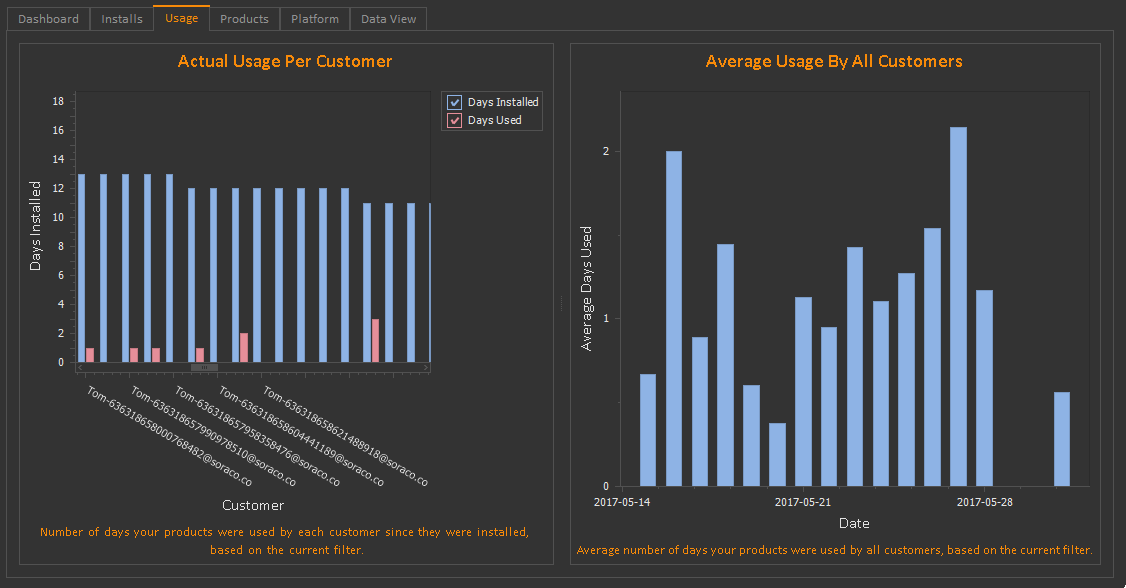
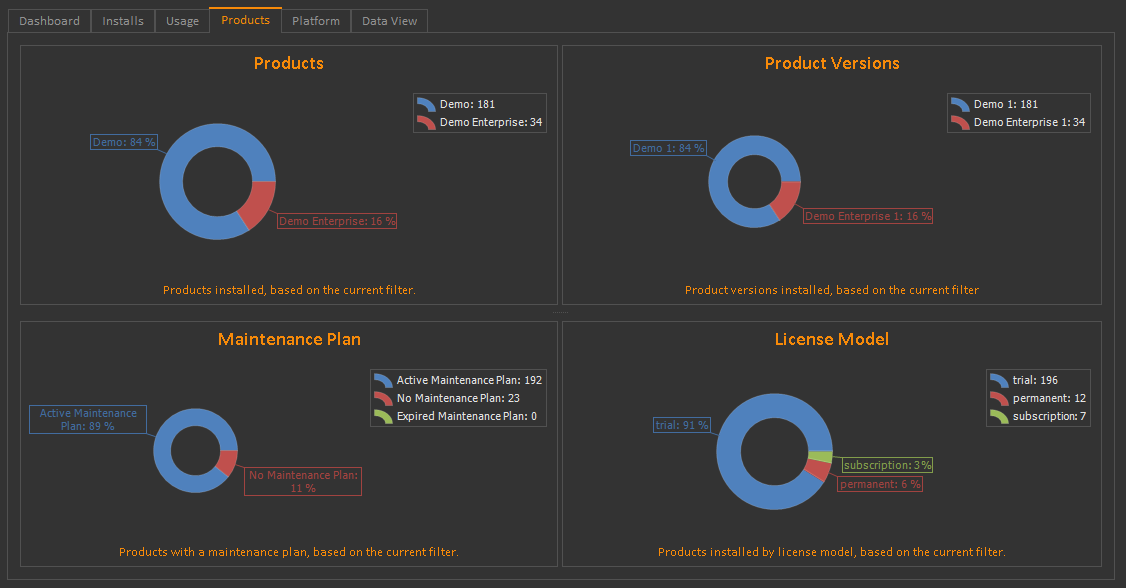
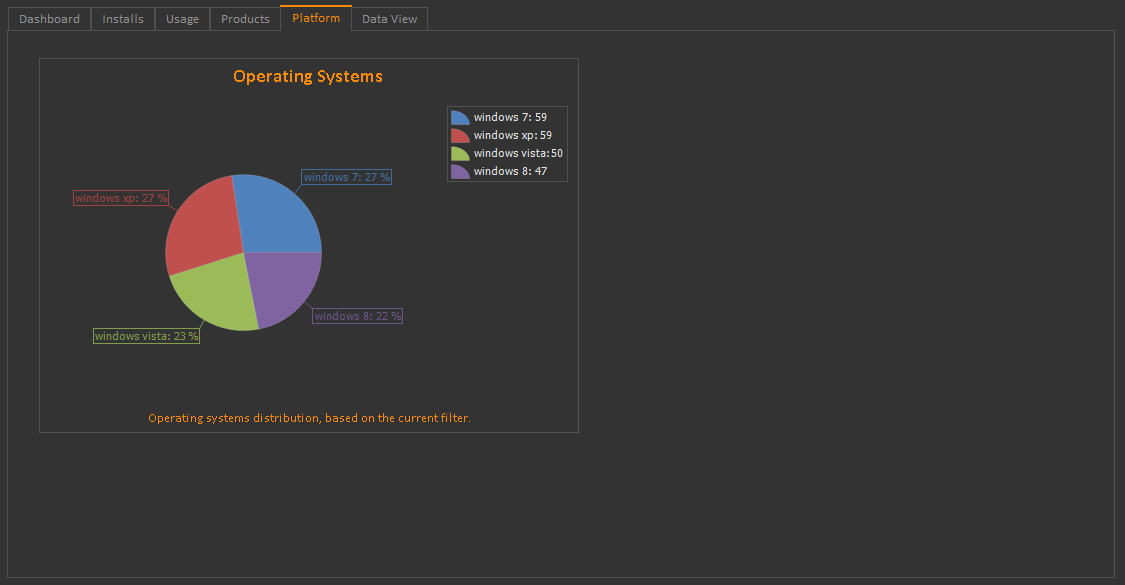
QLM Analytics
With QLM Enterprise, you can publish Analytics data to the License Server to track downloads, installations, uninstallations, usage, etc.
Web Application
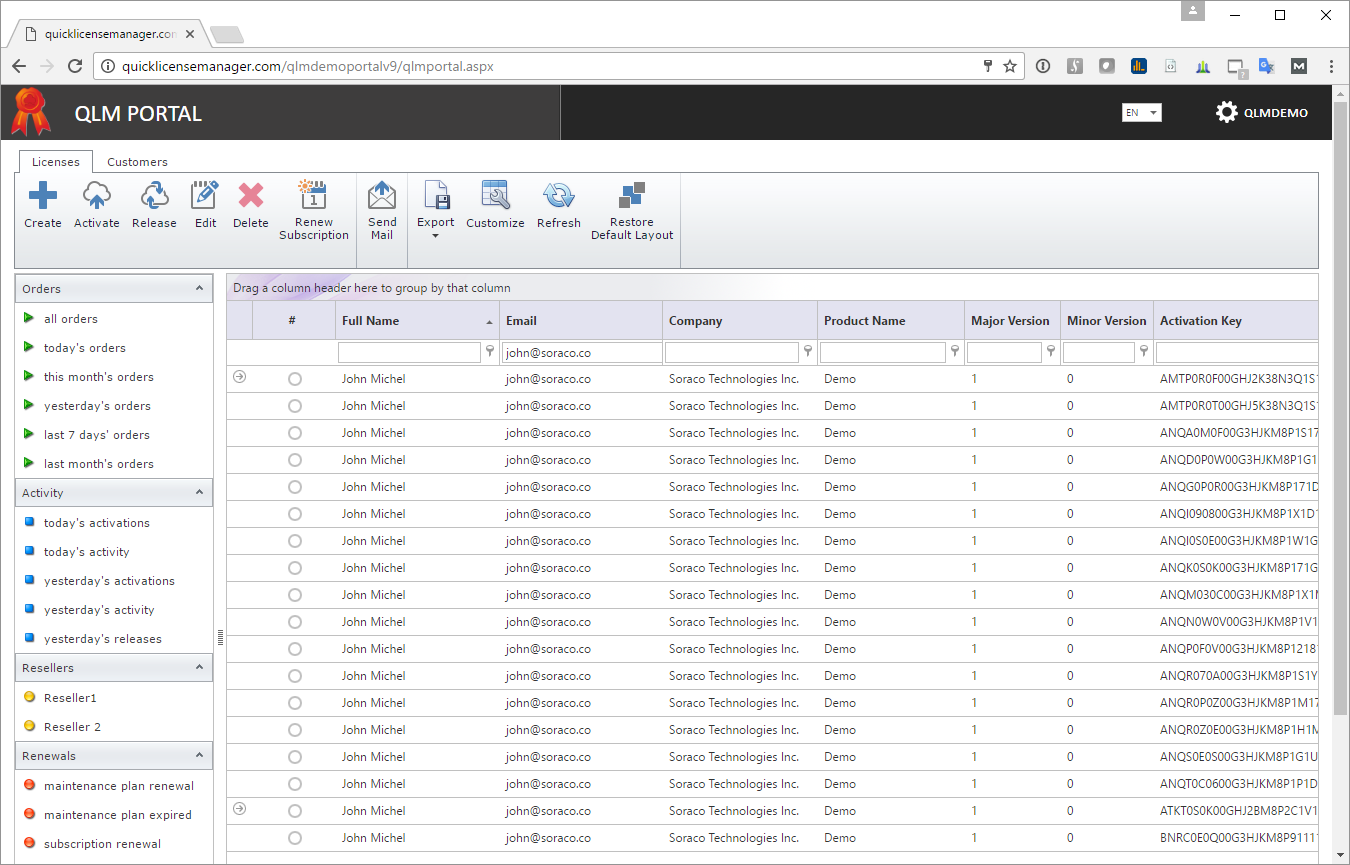
QLM Portal
The QLM Portal is an add-on to QLM. It provides a web based interface for managing license keys.
iOS & Android
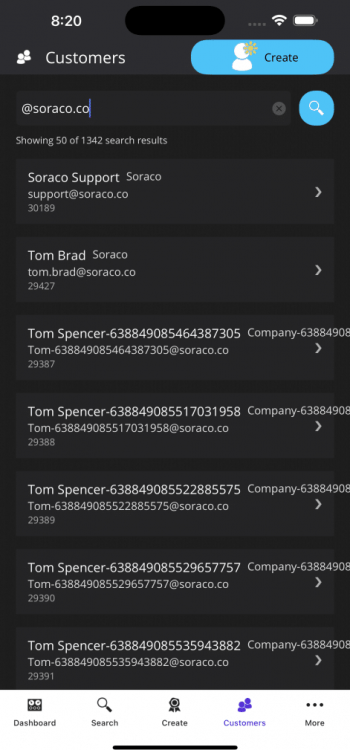
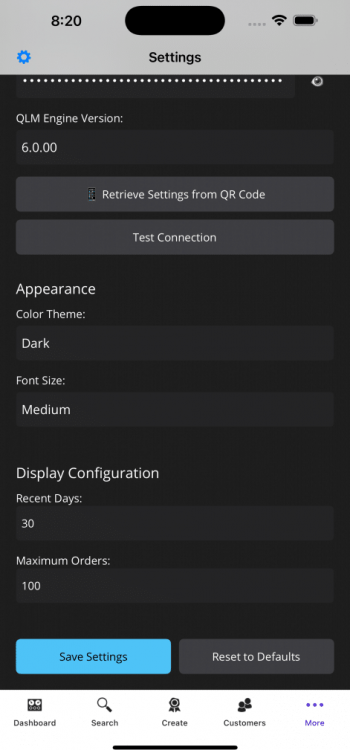
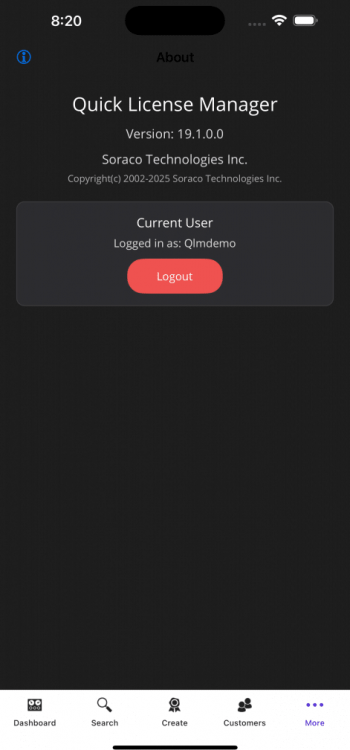
QLM Mobile App
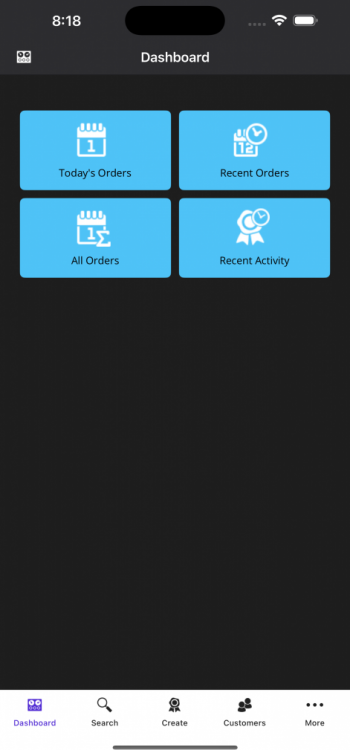
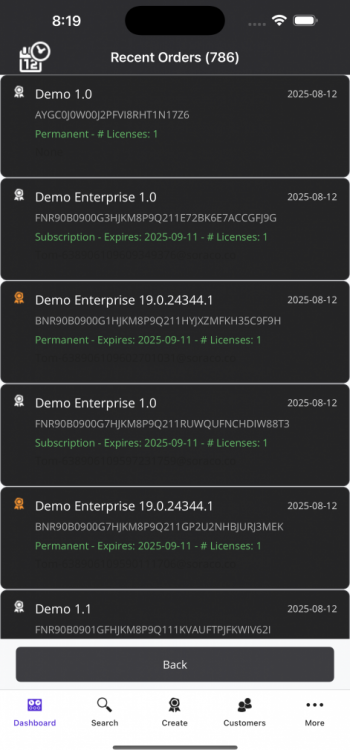
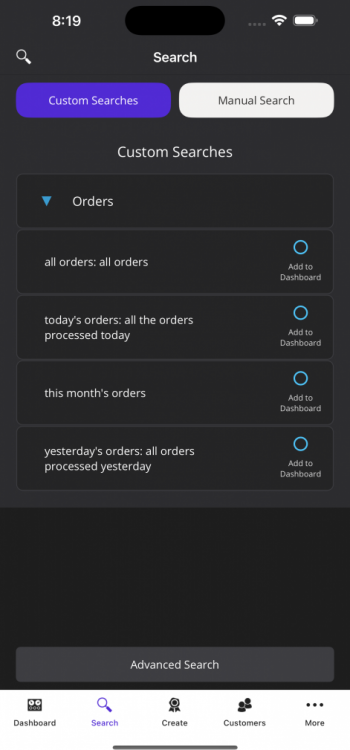
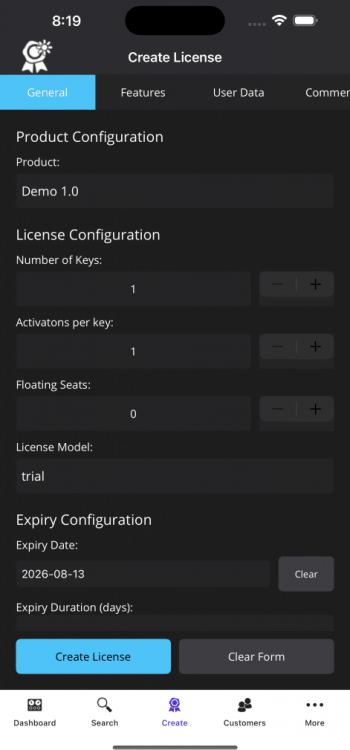
The QLM Mobile App allows you to manage license keys, view customer details, and stay connected with your licensing operations — wherever you are, from your iPhone or Android device.
Web Form
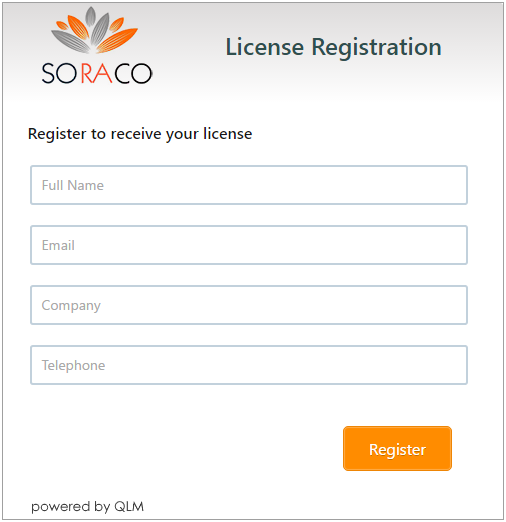
QLM Trial Registration
The QLM License Registration form is a web form that you can include on your web site to automatically issue trial license keys to your customers.
Web Form
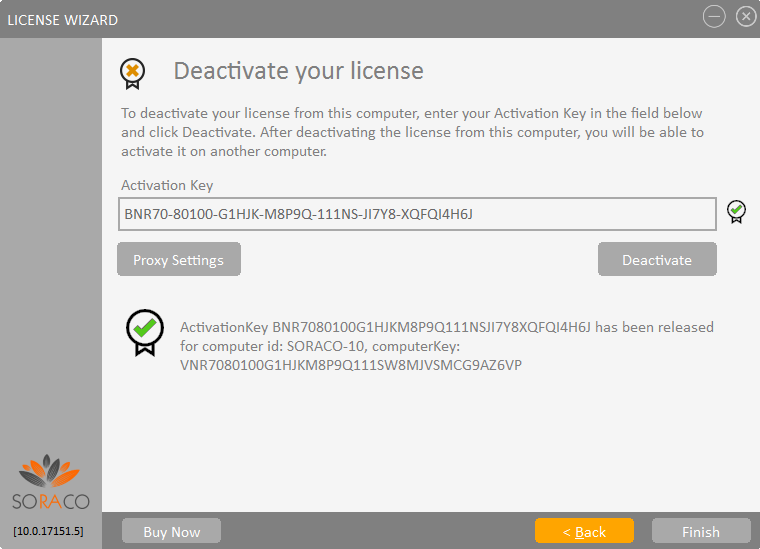
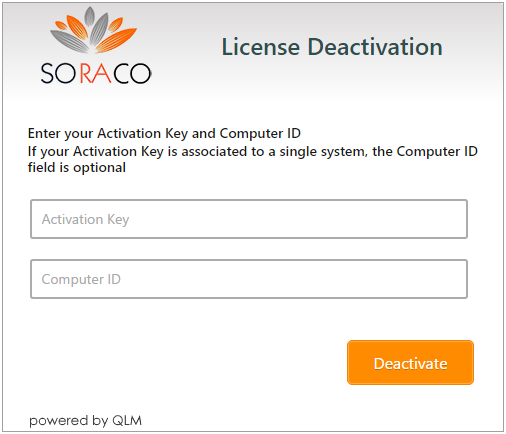
QLM License Deactivation
The QLM License Deactivation form is a web form that you can include on your web site to enable your end-users to deactivate a license from a computer. Note that deactivation can also be performed from within your application. This web form is typically useful when a user’s computer does not have internet access, in which case, deactivation can be performed from another system with internet access.
Web Form
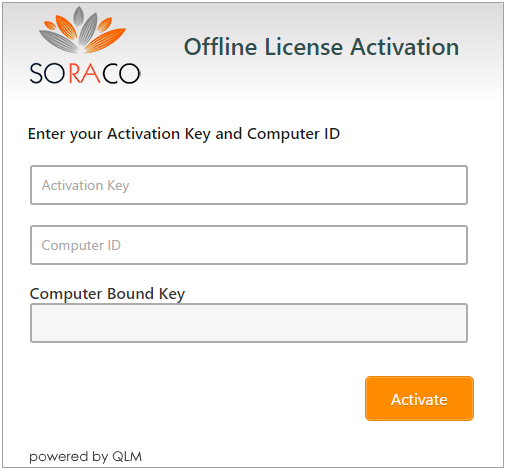
QLM Offline Activation
The QLM Offline Activation form is a web form that you can include on your web site to enable your end-users to activate a license. This web form is typically useful when a user’s computer does not have internet access, in which case, activation can be performed from another system with internet access.