
QLM Enterprise
- Product Properties: 3 new product properties data types are now available: IP Address, IP Subnet and CSV.
- Product Properties: a new feature allows you to enforce that a specific product property has a specified value during activation. For example, you could define a new Product Property of type ‘IP Address’ and specify that this property should be enforced during activation.
- Java protection: added support for license file signed using SHA256 instead of SHA1.
- New Server Property: security/whiteListedIPAddresses: specifies a list of IP addresses that are allowed to request trial registrations regardless of the restrictions imposed by customerSite / preventRegistrationFromExistingIPAddress
- Changes to 3rd party extensions settings are now logged in the Audit Trail.
- User Accounts additions, deletions, and modifications are now logged in the Audit Trail.
- User Groups additions, deletions, and modifications are now logged in the Audit Trail.
- Added support for protecting Python apps.
- Qt client-side library now supports SHA256 signed license files.
QLM PROFESSIONAL
- When activating a license by email address (activation using Basic Authentication), QLM can now pick the Activation Key based on the Allowed/Denied Computer IDs.
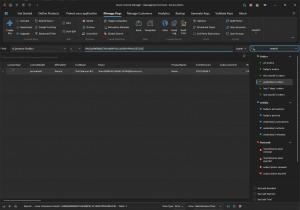
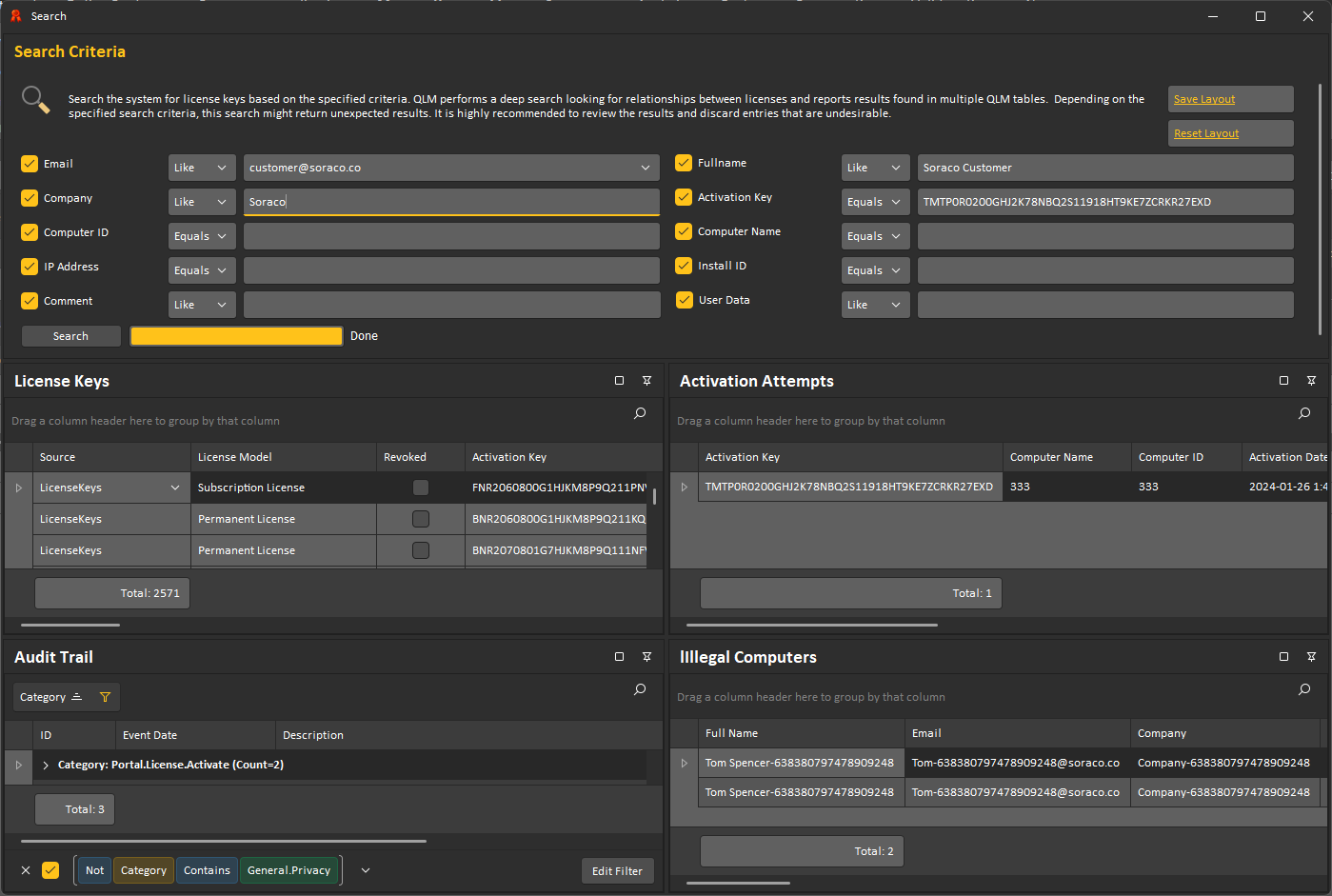
- The following editors in the QLM Management Console now support saving multiple layouts (in the status bar): Activation Attempts, Illegal Computers, Event Viewer, and Audit Trail
QLM Customer Site

- New Server Property: customerSite / preventRegistrationFromExistingIPAddress. This feature checks if the IP address of the user requesting a trial matches an IP address in the system and aborts the trial request if a match is found.
- New server properties allow hiding some fields on the trial registration form: registrationPage_showFullName, registrationPage_showCompany, registrationPage_showPhone, registrationPage_showCountry
- You can now block trial registration by country. This feature requires the geolocation service provided by https://api.ipstack.com
- The QLM Trial Registration Form now supports ReCAPTCHA.
QLM Portal
- Added support for multi-factor authentication with the Microsoft Authenticator app.
- License Settings Template created in the QLM Management Console to initialize the default values when creating a license can now be accessed in the QLM Portal.
- The MaxReleaseCount and MaxReleasePeriod can now be set in the Portal.
- The Maintenance Plan Expiry Date can now be set during creation.
.NET Support

- The minimum requirement for .NET 4 is .NET 4.62.
- The QlmControls.dll is now available for .NET4, .NET6-Windows, .NET7-Windows, .NET8-Windows and .NET9-Windows.
- The QlmLicenseLib.dll is now available for .NET2, .NET4, .NET6, .NET7, .NET8, and .NET9
QLM Documentation
- The QLM Documentation has moved to: https://docs.soraco.co
Requirements

- QLM v18 requires .NET Framework 4.6.2 or higher.
- QLM Server v18 requires IIS 7.5 or higher and SQL Server 2012 or higher.
- QLM Management Console v18 requires Windows 10, Windows 11, or Windows Server 2016 and above.