We’re excited to announce the release of QLM v10.
What’s new in QLM v10?
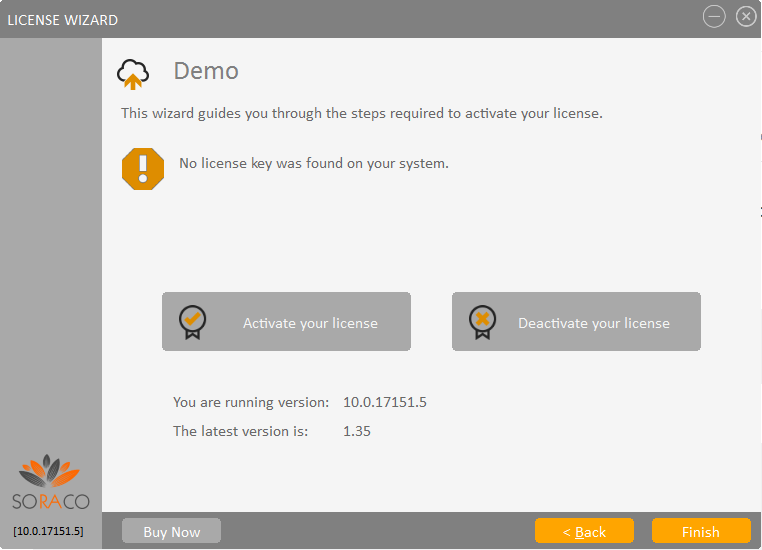
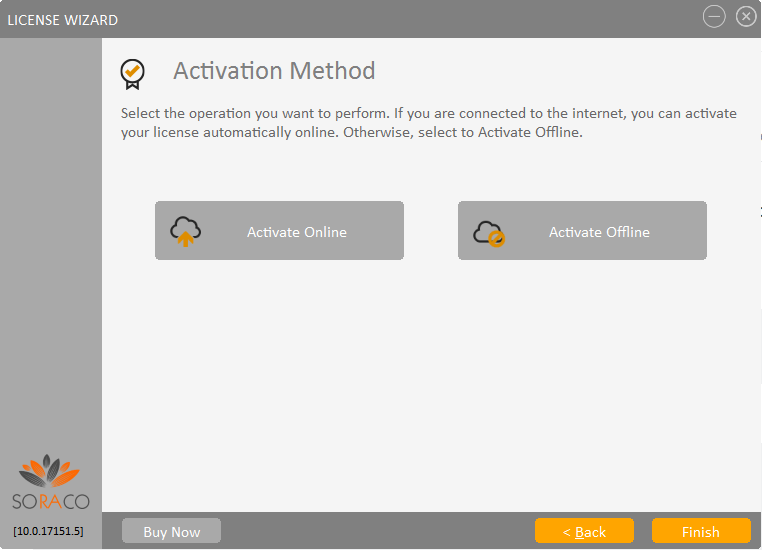
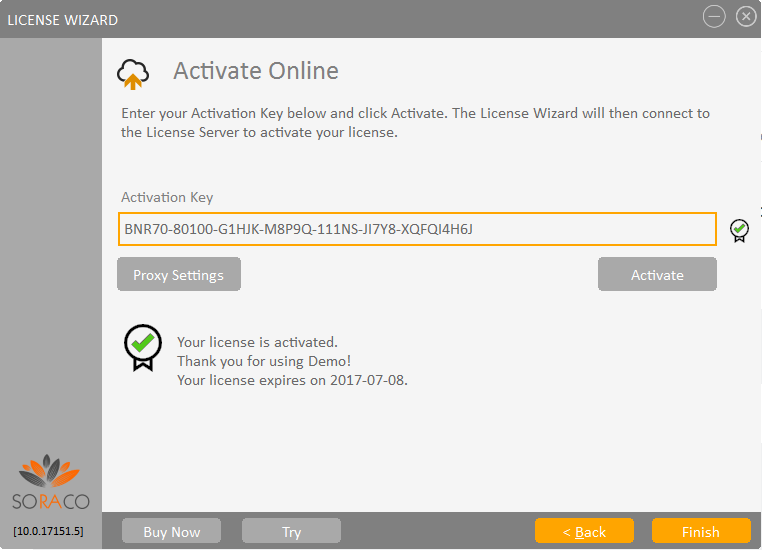
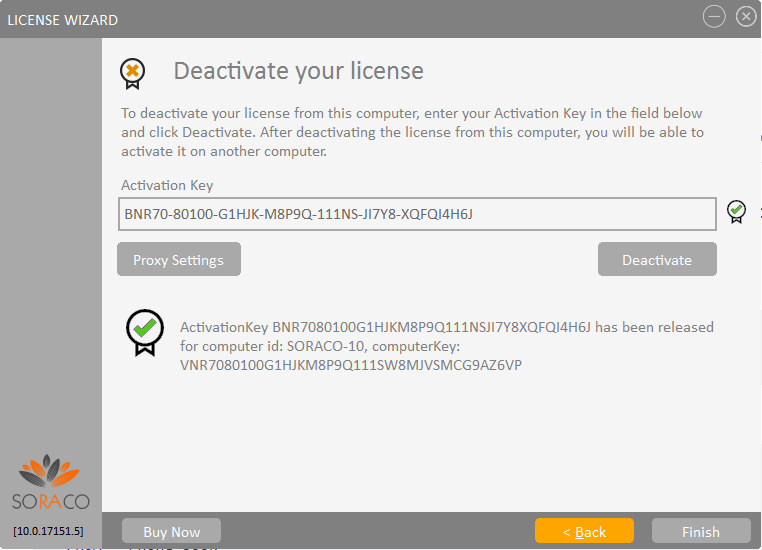
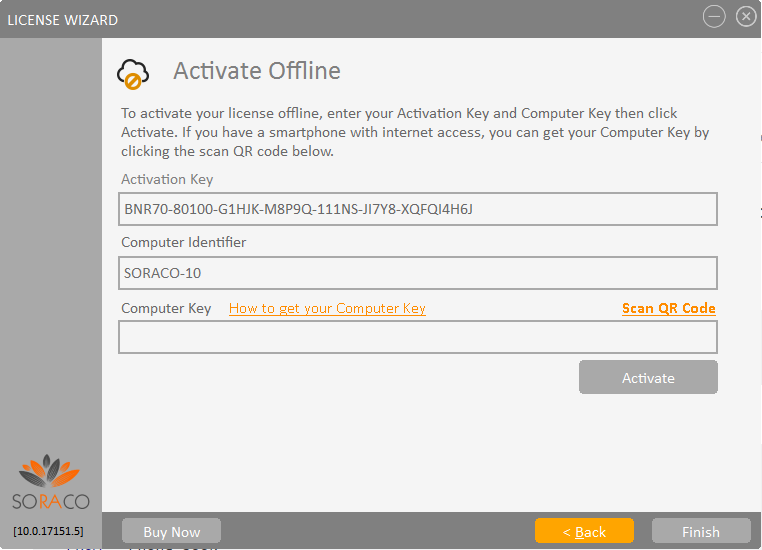
Revamped QLM License Wizard
- Completely redesigned workflow.
- Includes Check for Updates to notify your customer of the latest eligible version based on the maintenance plan.
- Download and launch your setup from within the wizard.
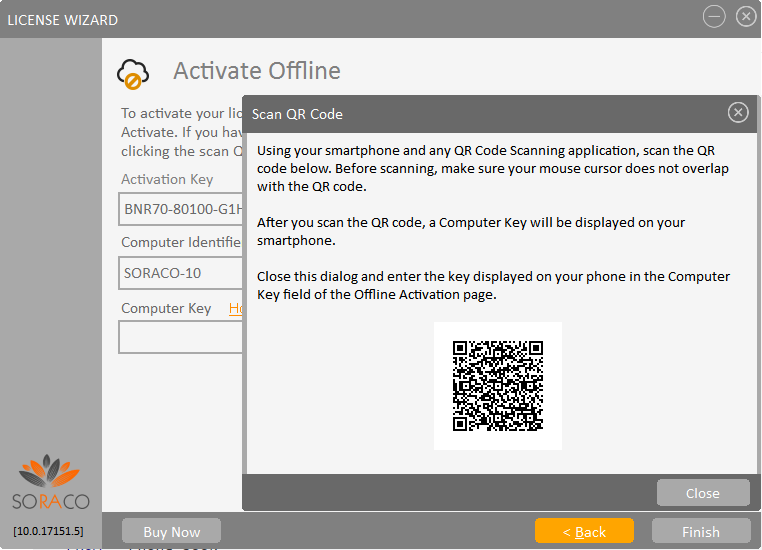
- Offline Activation via a QR code scanned from a mobile device.
- Offline Deactivation via a QR code scanned from a mobile device.
- Automatically publishes Analytics Data to the License Server.
QLM Pro
- Create your own custom Product Properties and set them when issuing a license key.
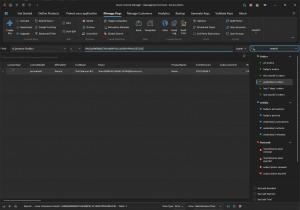
- Simplified search in the QLM Management Console with the new tag that searches across multiple common fields.
- LicenseValidator class now includes code to publish Analytics to the License Server.
- LicenseValidator class now includes code to retrieve custom Product Properties from the License Server.
- New APIs: ReadCookie and StoreCookie allow you to store custom data in the same location as the QLM license keys.
- New option to duplicate a License Server profile in Manage Keys / Sites.
QLM Enterprise
- Protection of Electron / JavaScript apps.
- New APIs: ReadInstallID, WriteInstallID, UpdateLastAccessedDate.
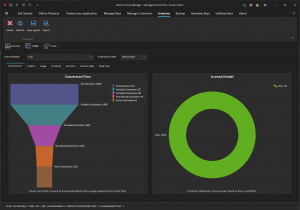
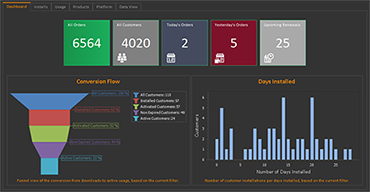
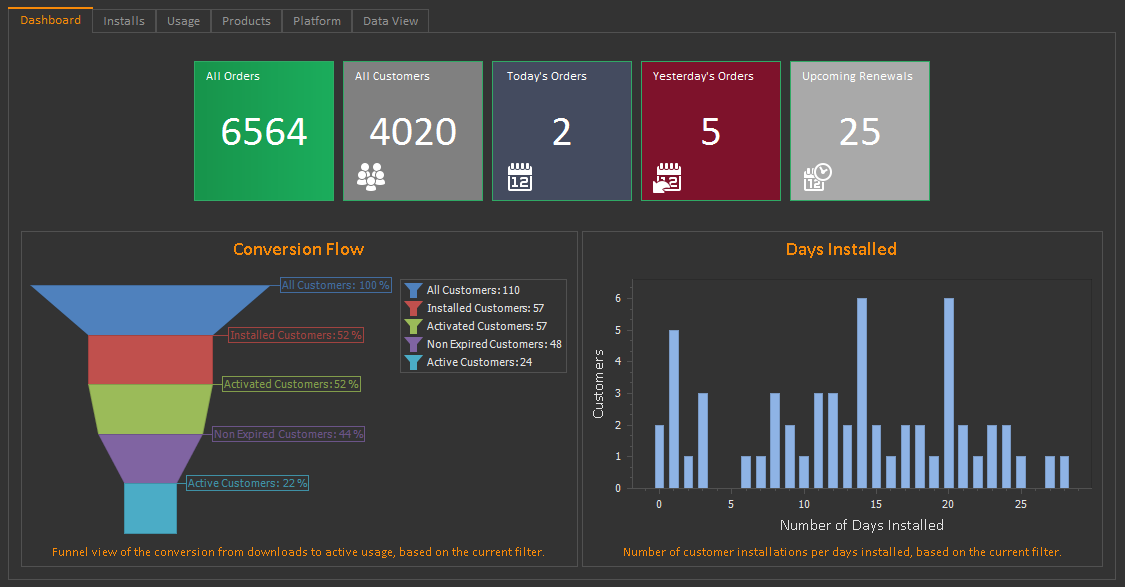
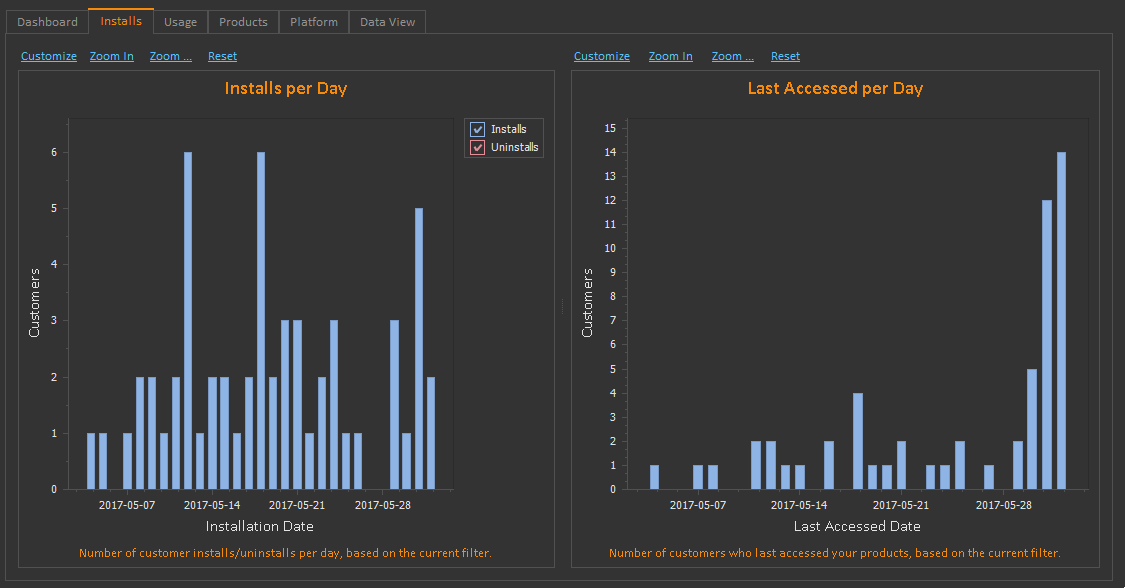
- Added the following Analytics charts:
- Conversion Flow
- Days Installed
- Installs per Day
- Last Accessed per day
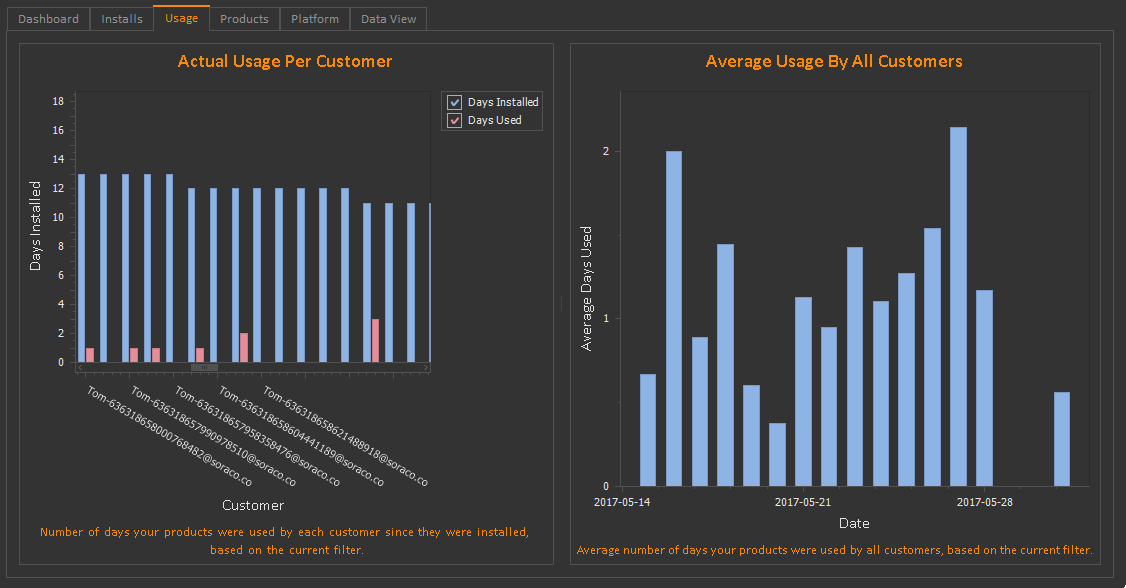
- Actual Usage per customer
- Average usage by all customers
- Products
- Product Versions
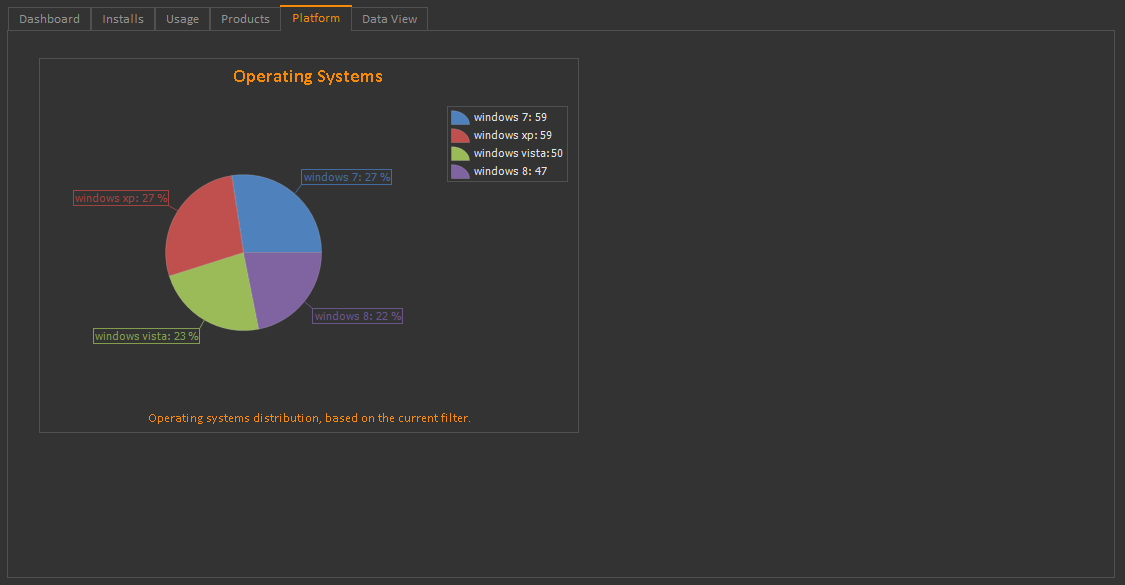
- Operating Systems
Core Features
- The new QlmLicenseLib.dll no longer depends on IsLicense50.dll and is compatible with keys created by QLM v5+. If you still have customers with license keys issued with QLM v4-, you should generate new license keys for these customers or continue using the backward compatible QlmLicenseLib.dll located in
C:\Program Files\Soraco\QuickLicenseMgr\Redistrib\.net x.0\backwardCompatiblev4.
QlmAspLicenseSite
- Renamed to QlmCustomerSite.
- Most of the settings that were configurable from the web.config file are now exposed as Server Properties.